Open profile
This section explains how to open your profile from the top-right avatar and update your details (like phone number, etc.).
-
In the top-right corner of the portal, click the profile avatar icon.
-
In the menu, select Profile.
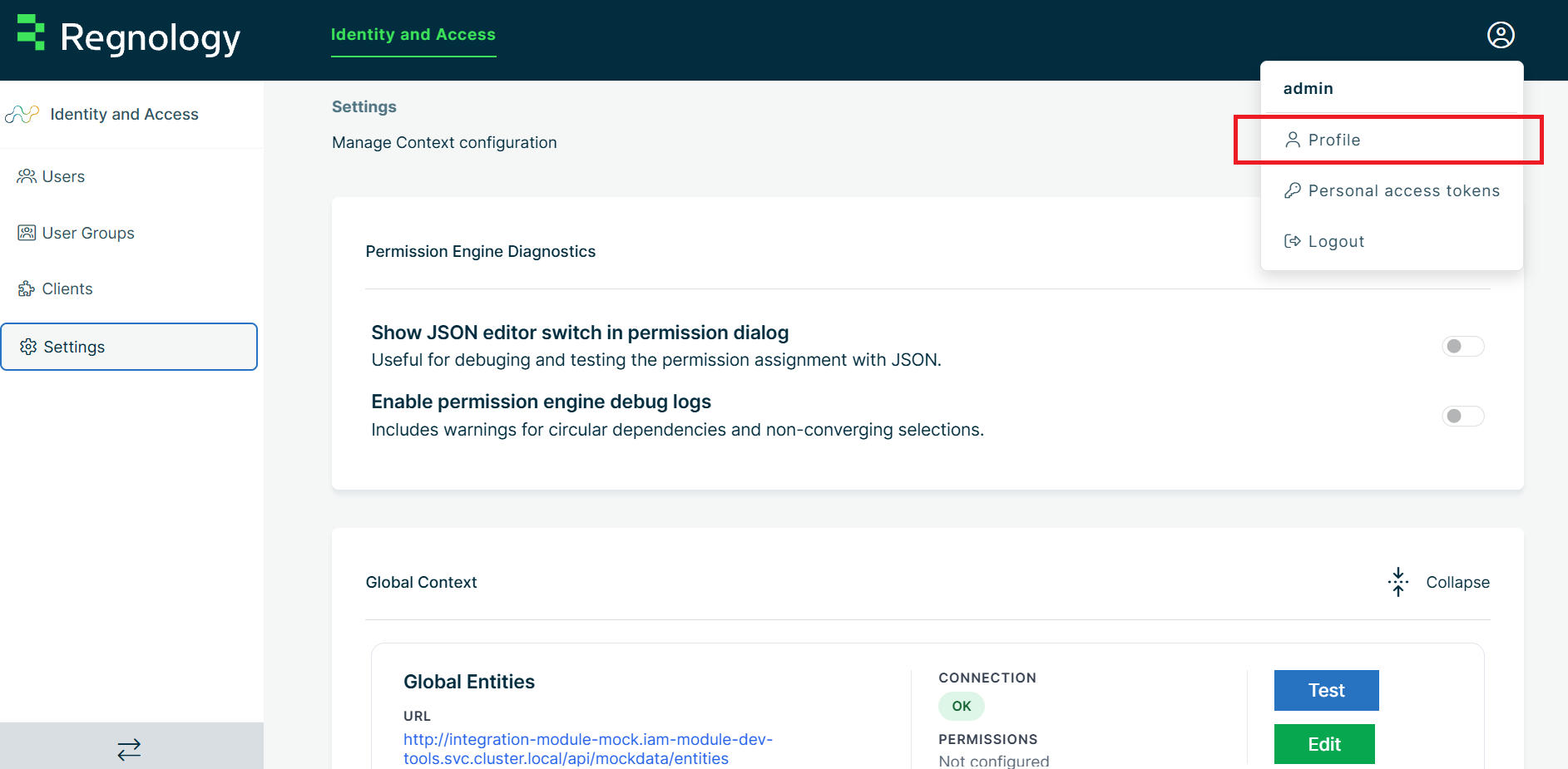
Figure 1. Top-right profile menu
- The same menu includes Personal access tokens. See Personal access tokens.
-
The Profile Information page opens and shows your personal information in read-only view.
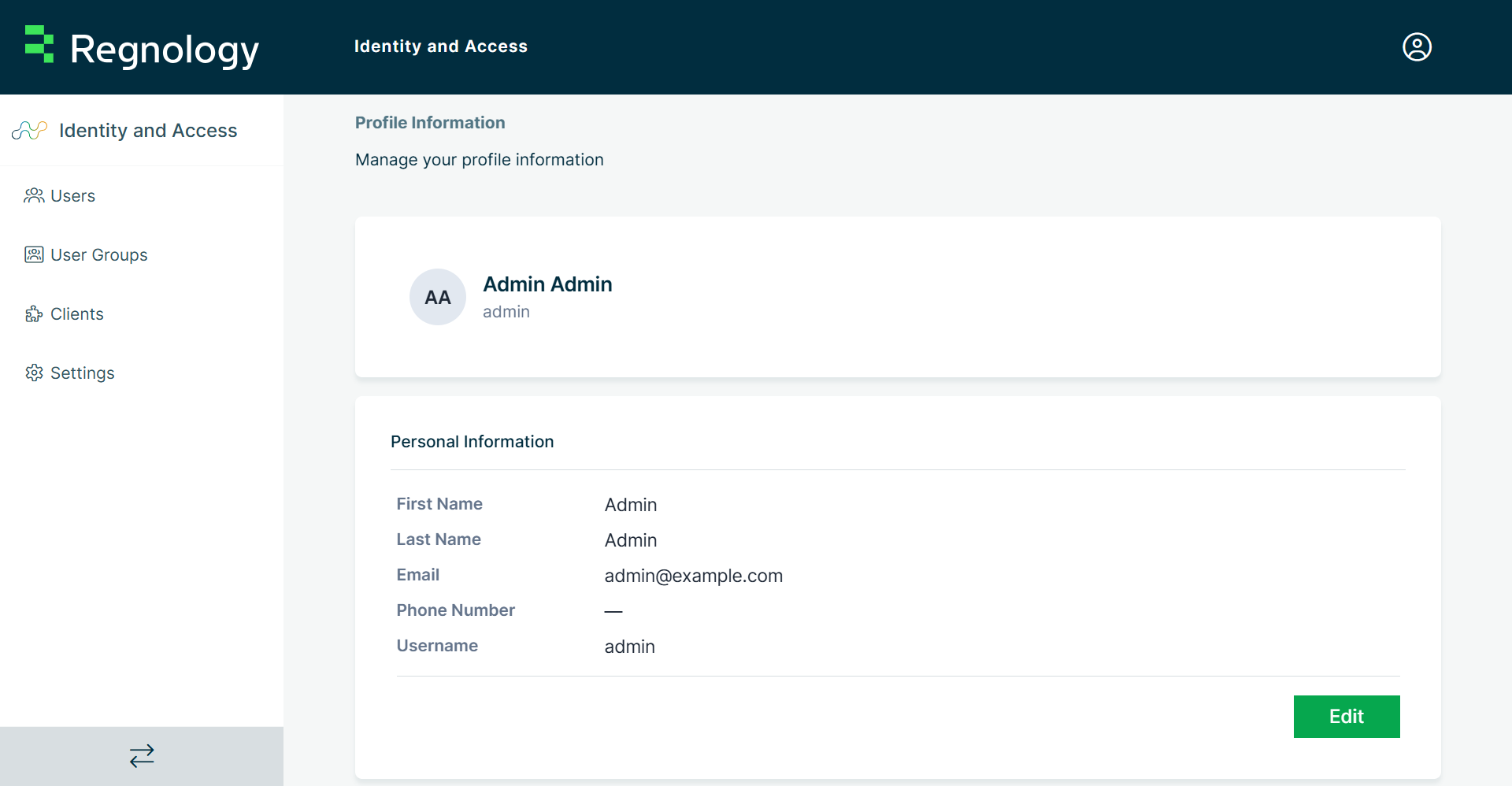
Figure 2. Profile Information page